กลับไปยังเอกสาร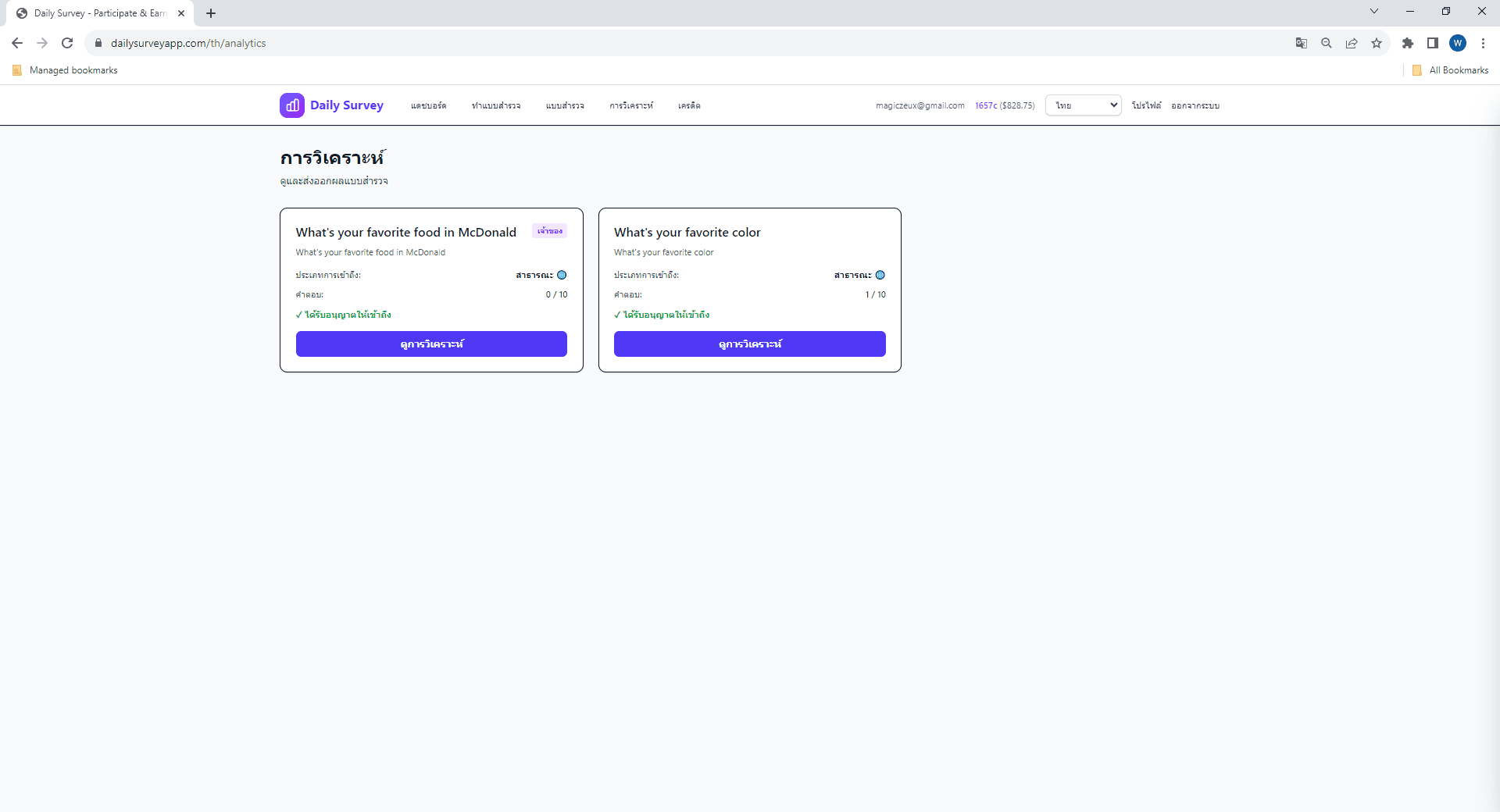

การแยกย่อยคำตอบตามอายุ เพศ และสถานที่
📊
การใช้การวิเคราะห์
สำหรับผู้สร้างแบบสำรวจ
ทำความเข้าใจการวิเคราะห์
เรียนรู้วิธีดูและวิเคราะห์คำตอบแบบสำรวจ ส่งออกข้อมูล และรับข้อมูลเชิงลึกจากผลลัพธ์แบบสำรวจ
การเข้าถึงการวิเคราะห์
1
ไปที่แบบสำรวจของคุณ
ไปที่ 'แบบสำรวจ' และคลิกแบบสำรวจที่คุณต้องการวิเคราะห์
2
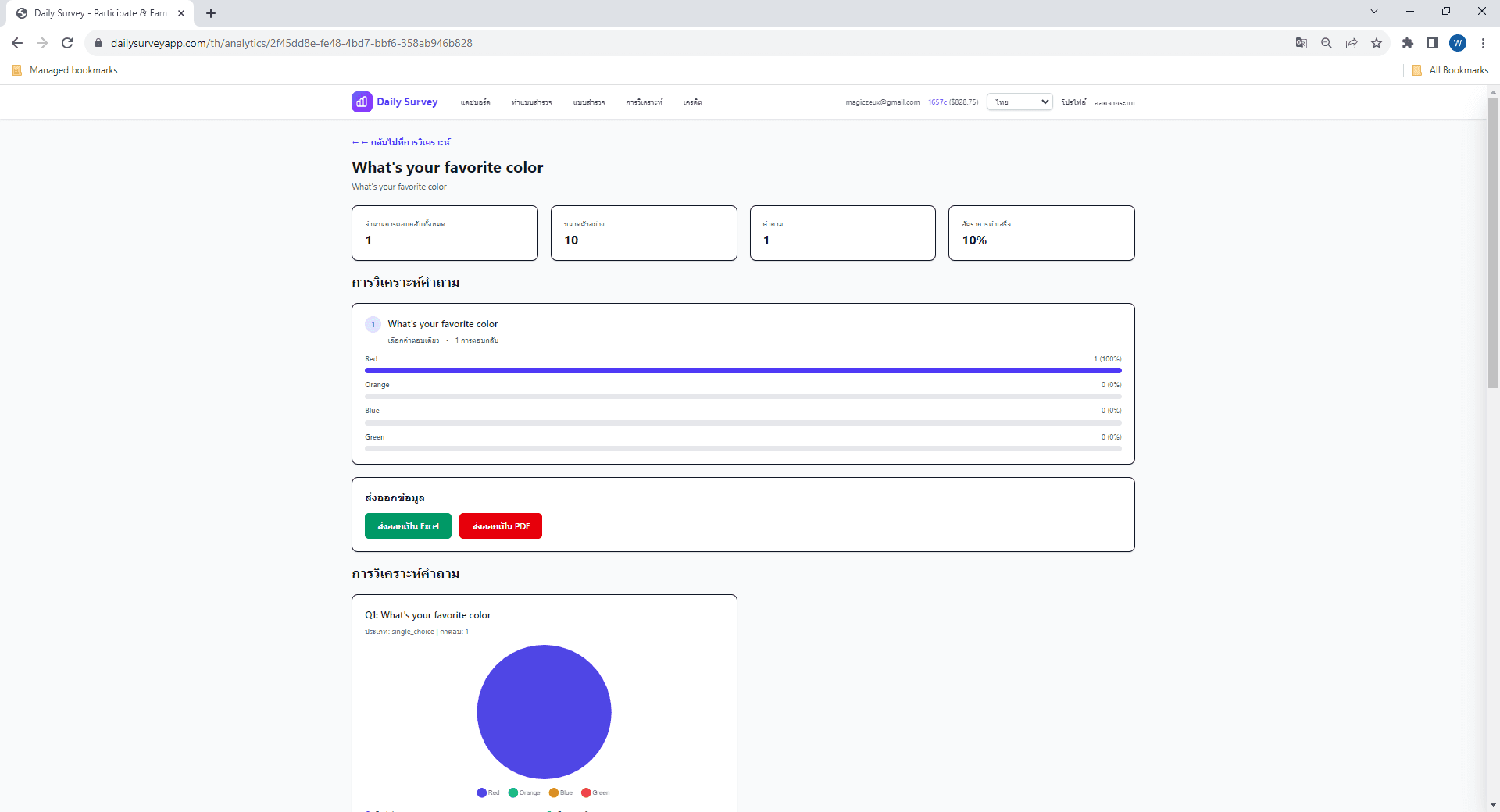
ดูสรุปคำตอบ
ดูจำนวนคำตอบทั้งหมด อัตราการทำเสร็จ และเวลาเฉลี่ยที่ใช้ในแบบสำรวจ
3
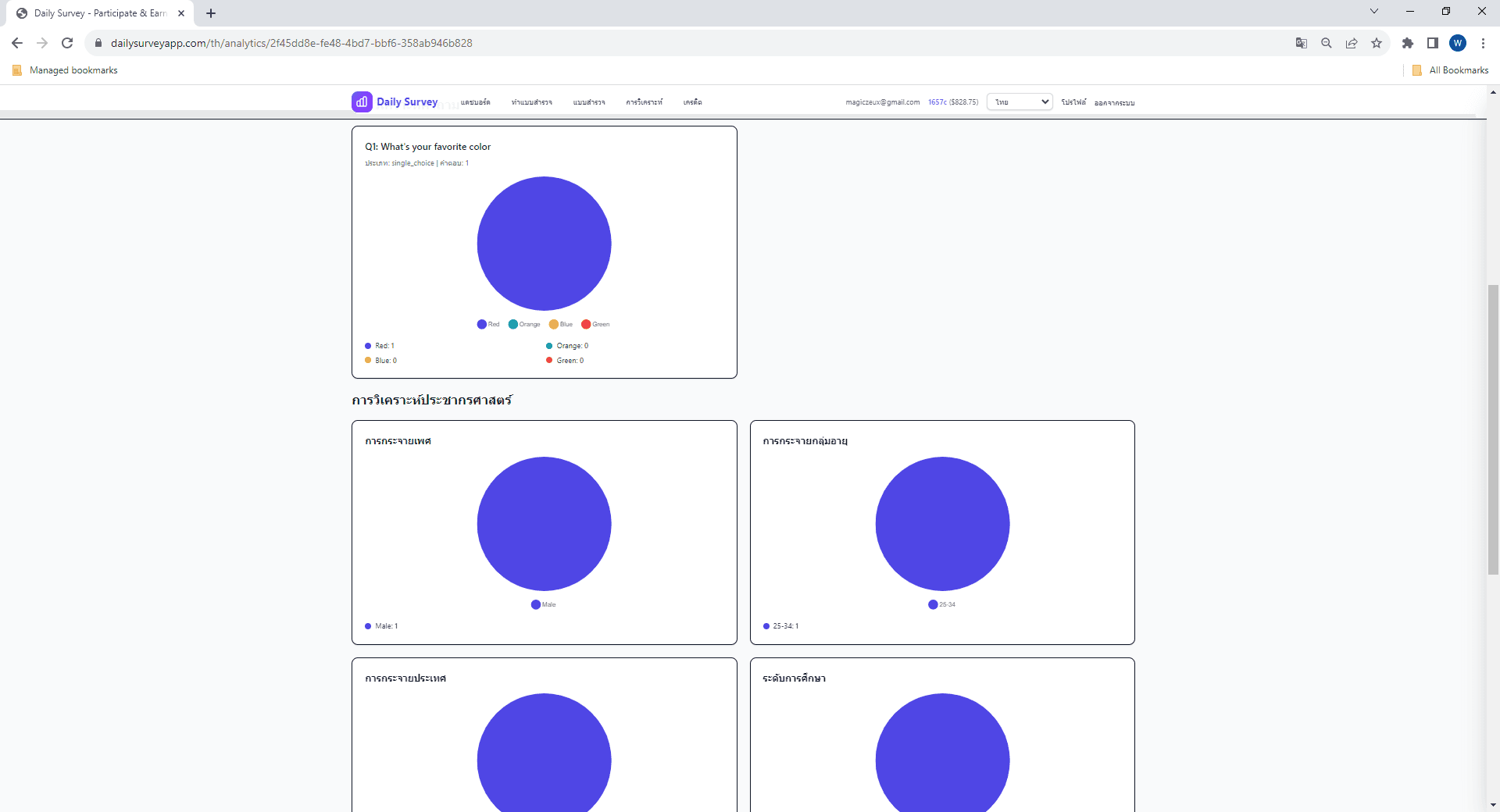
สำรวจแผนภูมิและกราฟ
แผนภูมิแบบโต้ตอบแสดงการกระจายคำตอบสำหรับแต่ละประเภทคำถาม
4
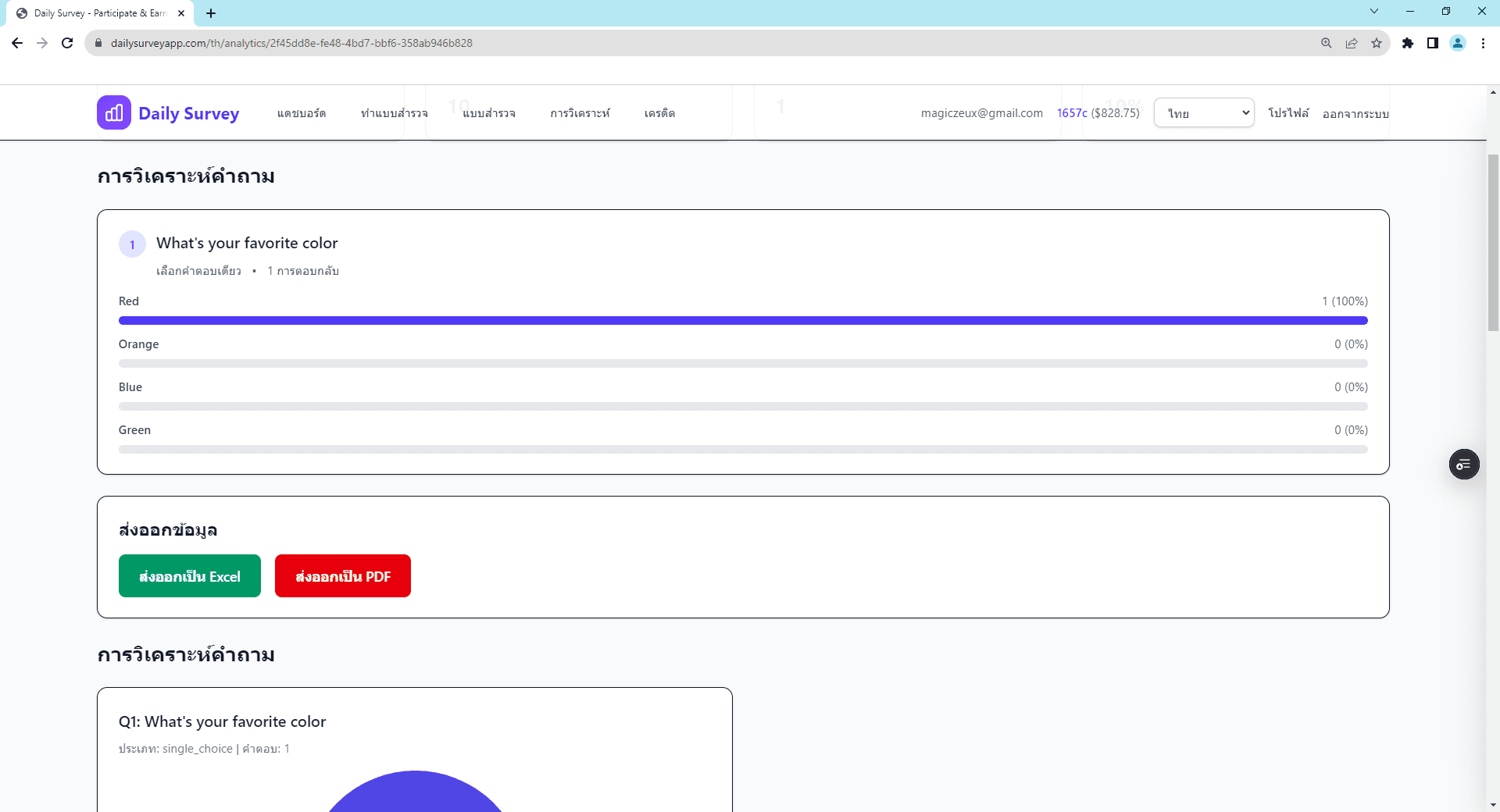
ส่งออกข้อมูลของคุณ
ดาวน์โหลดคำตอบในรูปแบบ CSV, Excel, PDF หรือ JSON เพื่อวิเคราะห์เพิ่มเติม
การแยกย่อยประชากร
ดูว่ากลุ่มประชากรต่างๆ ตอบแบบสำรวจของคุณอย่างไร:
หัวข้อที่เกี่ยวข้อง
ยังมีคำถามอยู่ไหม?
ตรวจสอบ FAQ หรือติดต่อฝ่ายสนับสนุนเพื่อขอความช่วยเหลือ