Umfragen erstellen
Für Umfrageersteller
Umfragen erstellen
Erfahren Sie, wie Sie effektive Umfragen erstellen, die Ihre Zielgruppe erreichen. Dieser Leitfaden führt Sie durch den gesamten Erstellungsprozess.
Schritte zur Umfrageerstellung
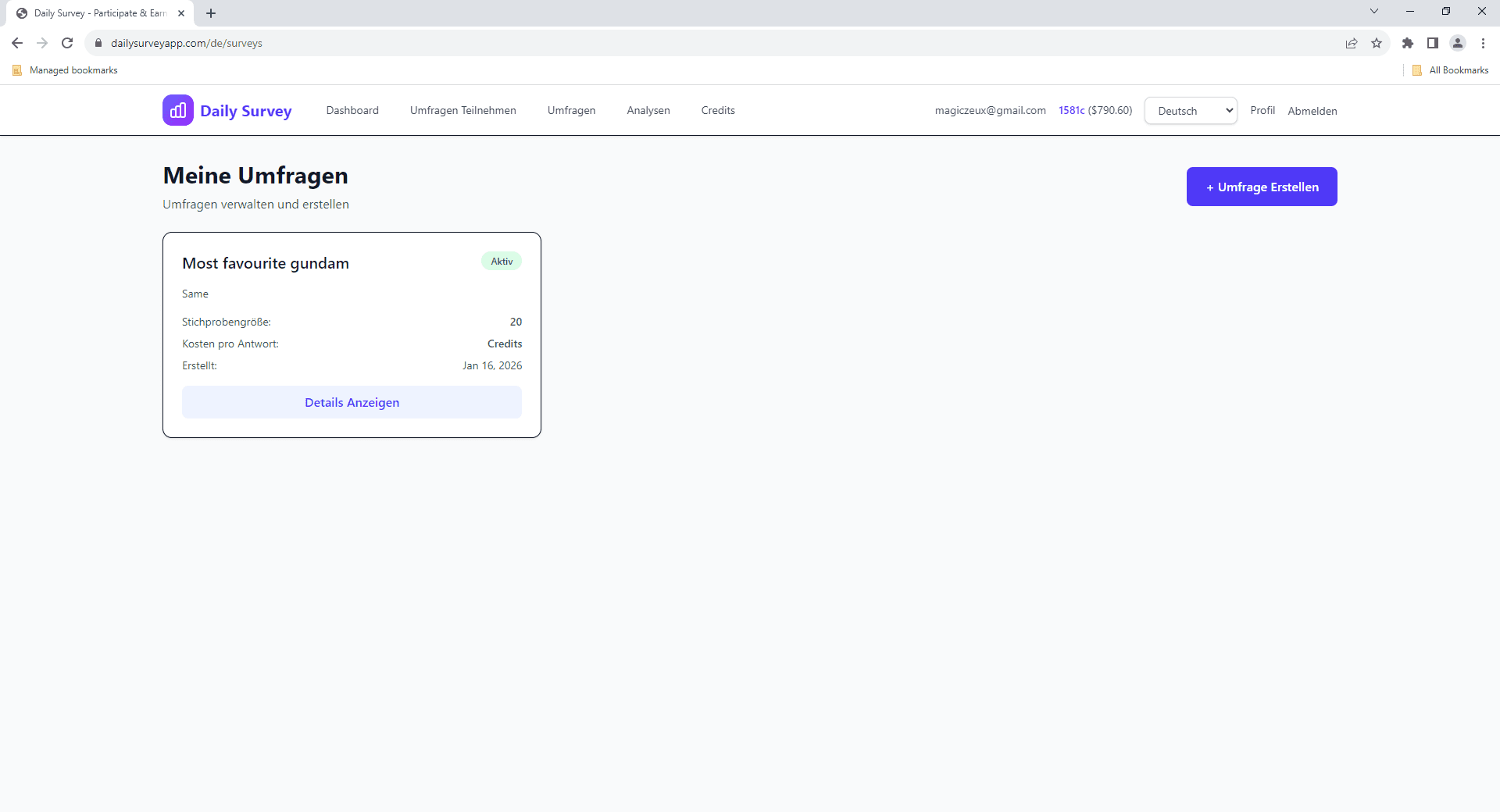
Zu Umfrage erstellen navigieren
Klicken Sie im Dashboard auf 'Umfragen' in der Seitenleiste und dann auf 'Umfrage erstellen'.
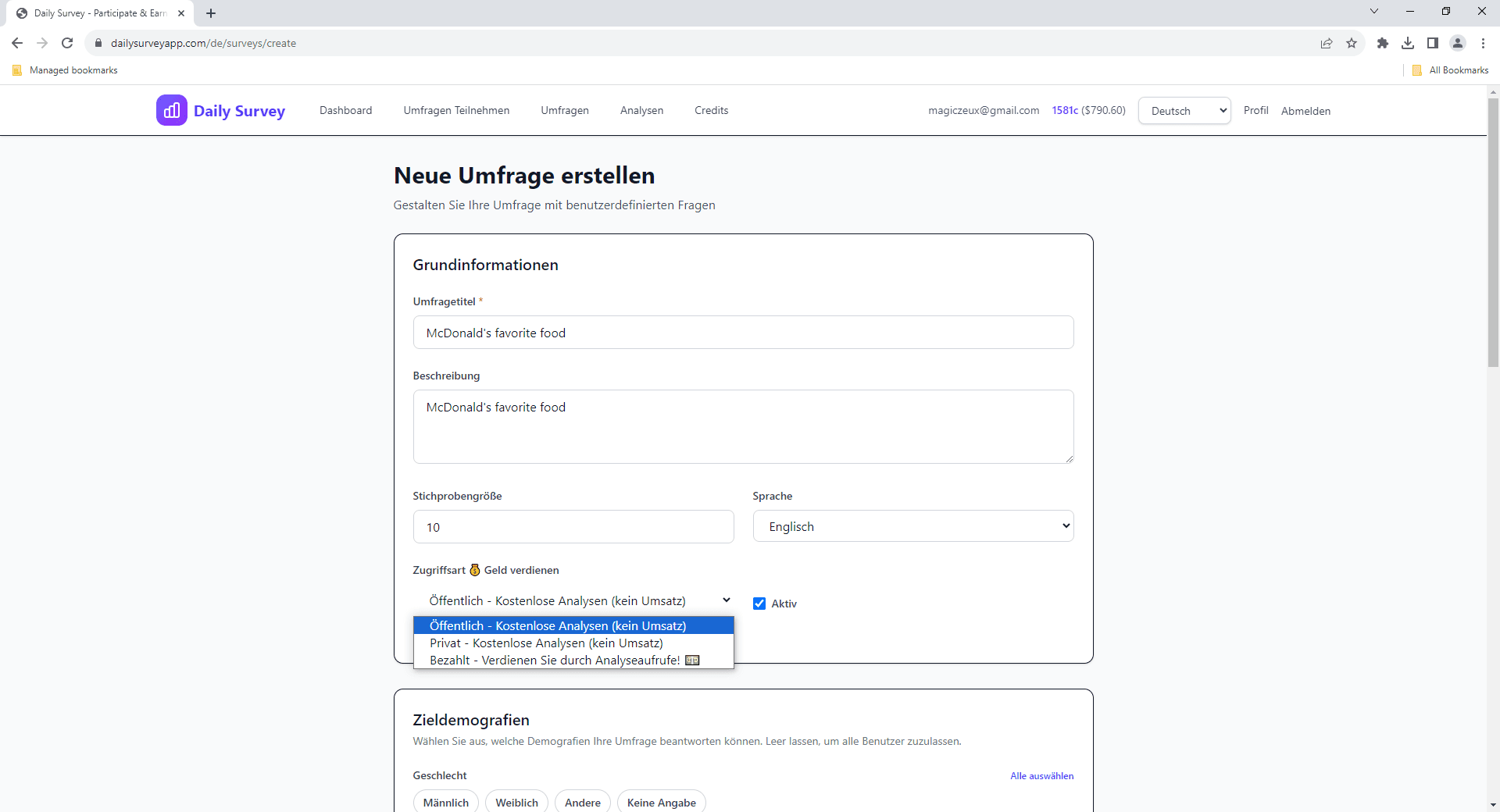
Umfragedetails eingeben
Geben Sie Titel, Beschreibung und geschätzte Bearbeitungszeit ein. Seien Sie klar und ehrlich darüber, was die Teilnehmer erwarten können.
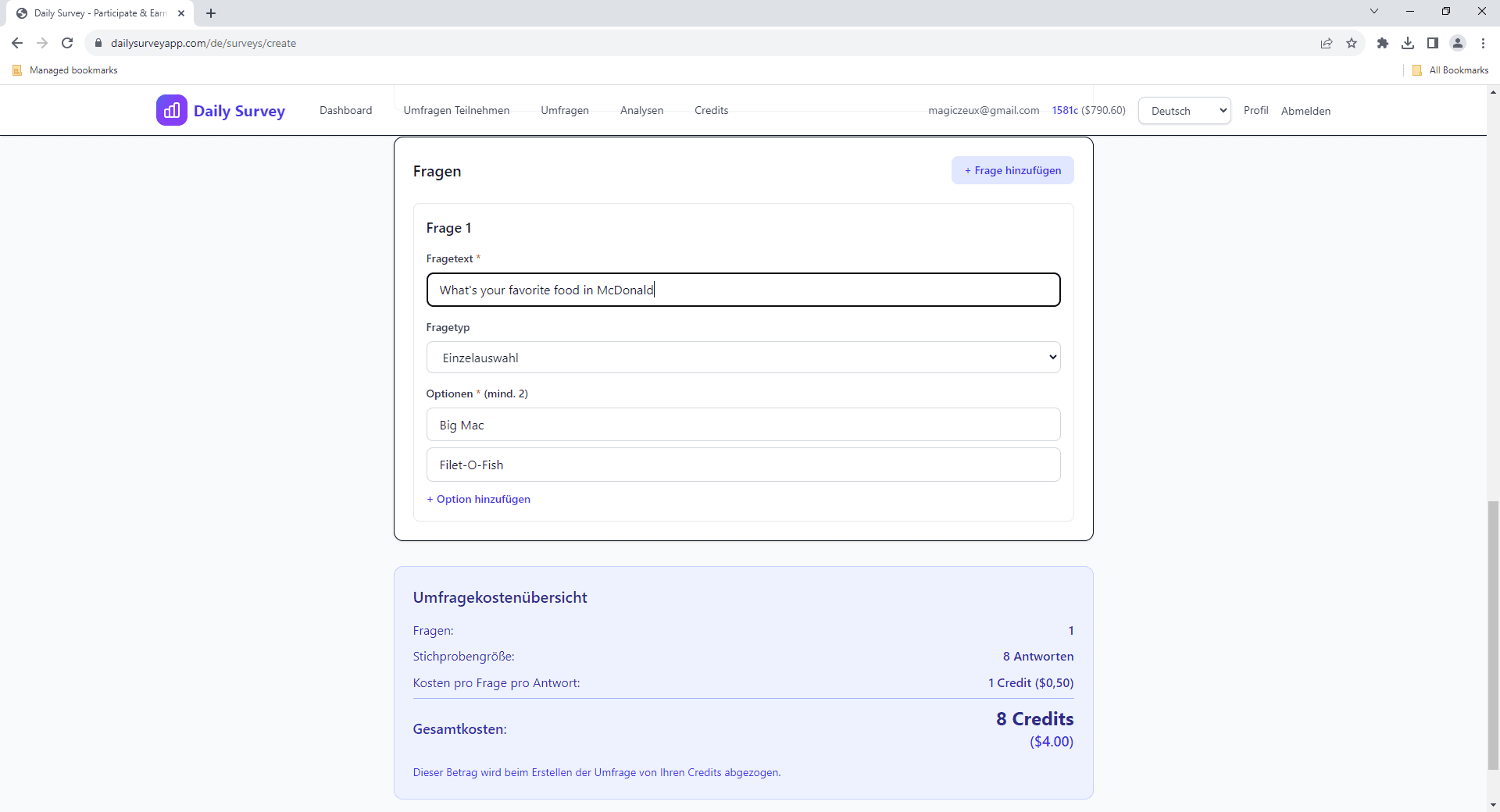
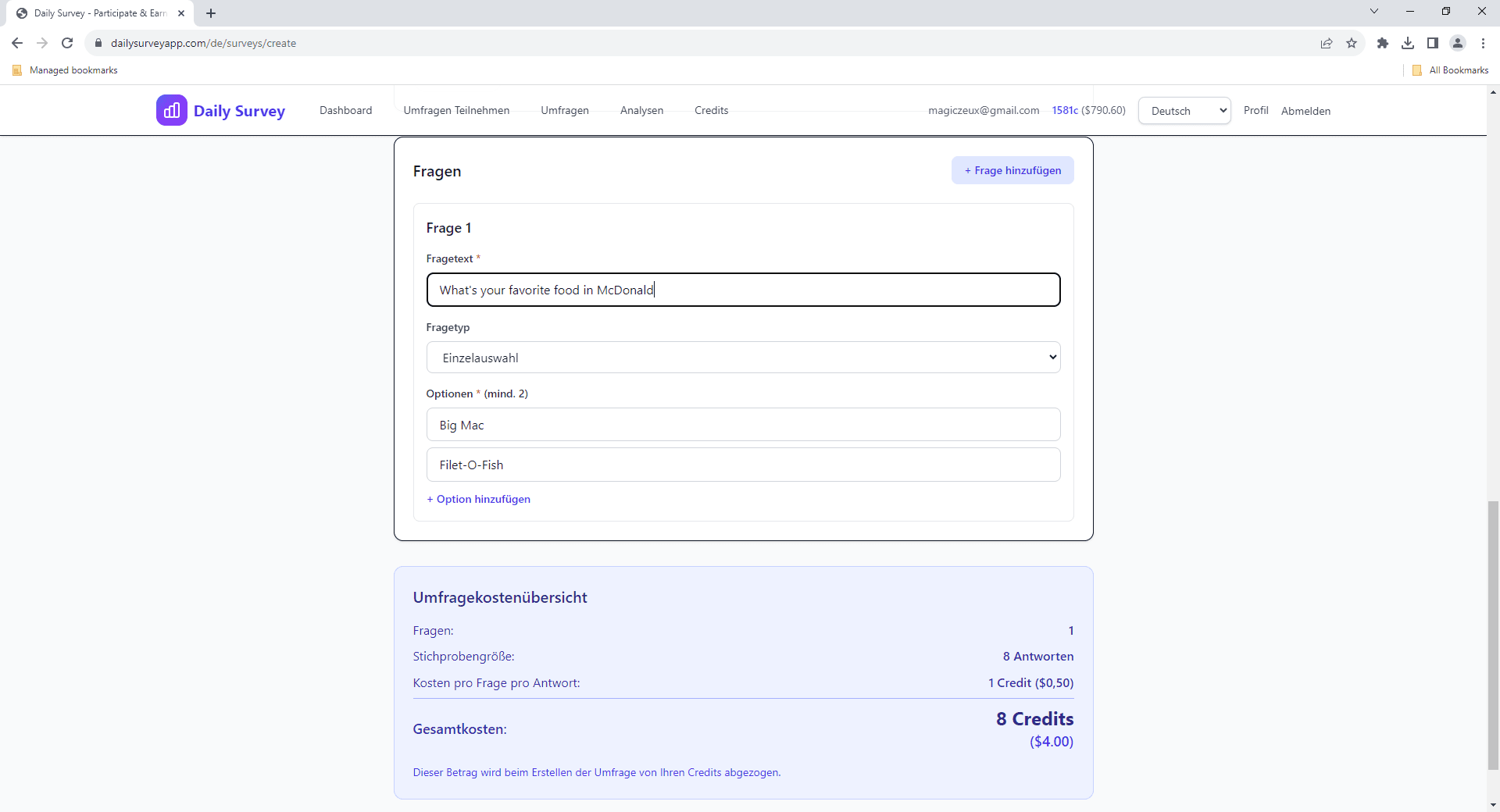
Fragen hinzufügen
Fügen Sie Ihre Umfragefragen mit verschiedenen Fragetypen hinzu: Multiple Choice, Texteingabe, Bewertungsskalen und mehr.
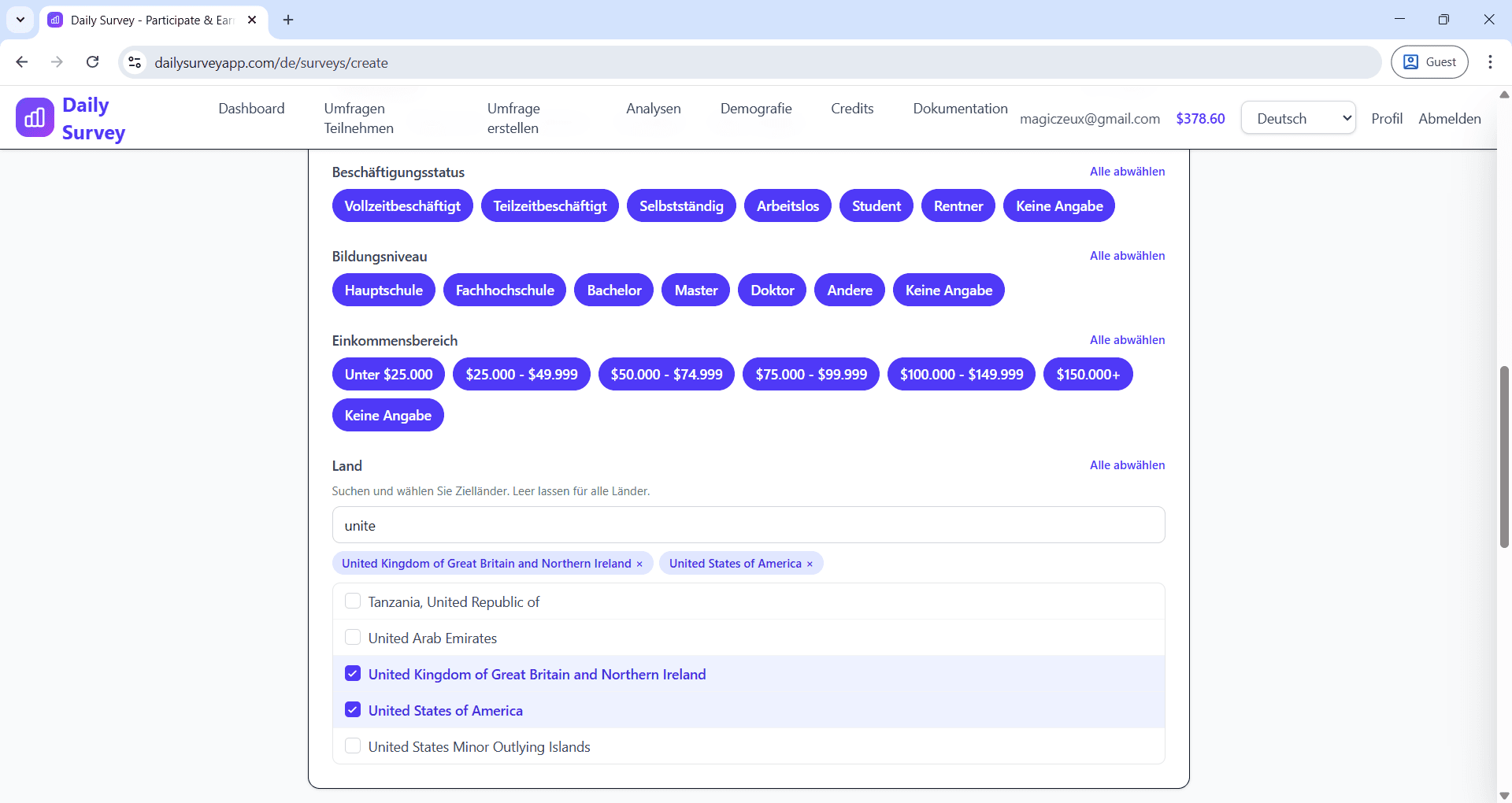
Zieldemografie festlegen
Wählen Sie aus, wer an Ihrer Umfrage teilnehmen kann, indem Sie Altersgruppe, Geschlecht, Land, Bildungsniveau und Beschäftigungsstatus auswählen.
Preise konfigurieren
Legen Sie fest, wie viel Sie pro Antwort zahlen und welche Stichprobengröße Sie benötigen. Optional können Sie auch den Preis für den Analysezugang festlegen.
💡 Tipps für bessere Umfragen
- • Umfragen unter 10 Minuten für bessere Abschlussraten halten
- • Klare, neutrale Sprache in Fragen verwenden
- • Faire Vergütung basierend auf der Umfragelänge anbieten
- • Umfrage vor der Veröffentlichung testen
Verwandte Themen
Best Practices für Umfragedesign
Erfahren Sie, wie Sie effektive Fragen schreiben und qualitativ hochwertige Umfragen gestalten
🎯Zielgruppenansprache nach Demografie
So erreichen Sie die richtige Zielgruppe mit demografischem Targeting
📊Analysen nutzen
Analysieren Sie Umfrageantworten und exportieren Sie Daten in verschiedenen Formaten
Noch Fragen?
Schauen Sie sich unsere FAQ an oder kontaktieren Sie den Support