For Survey Participants
Learn how to find available surveys that match your profile, understand survey details, and maximize your earnings.
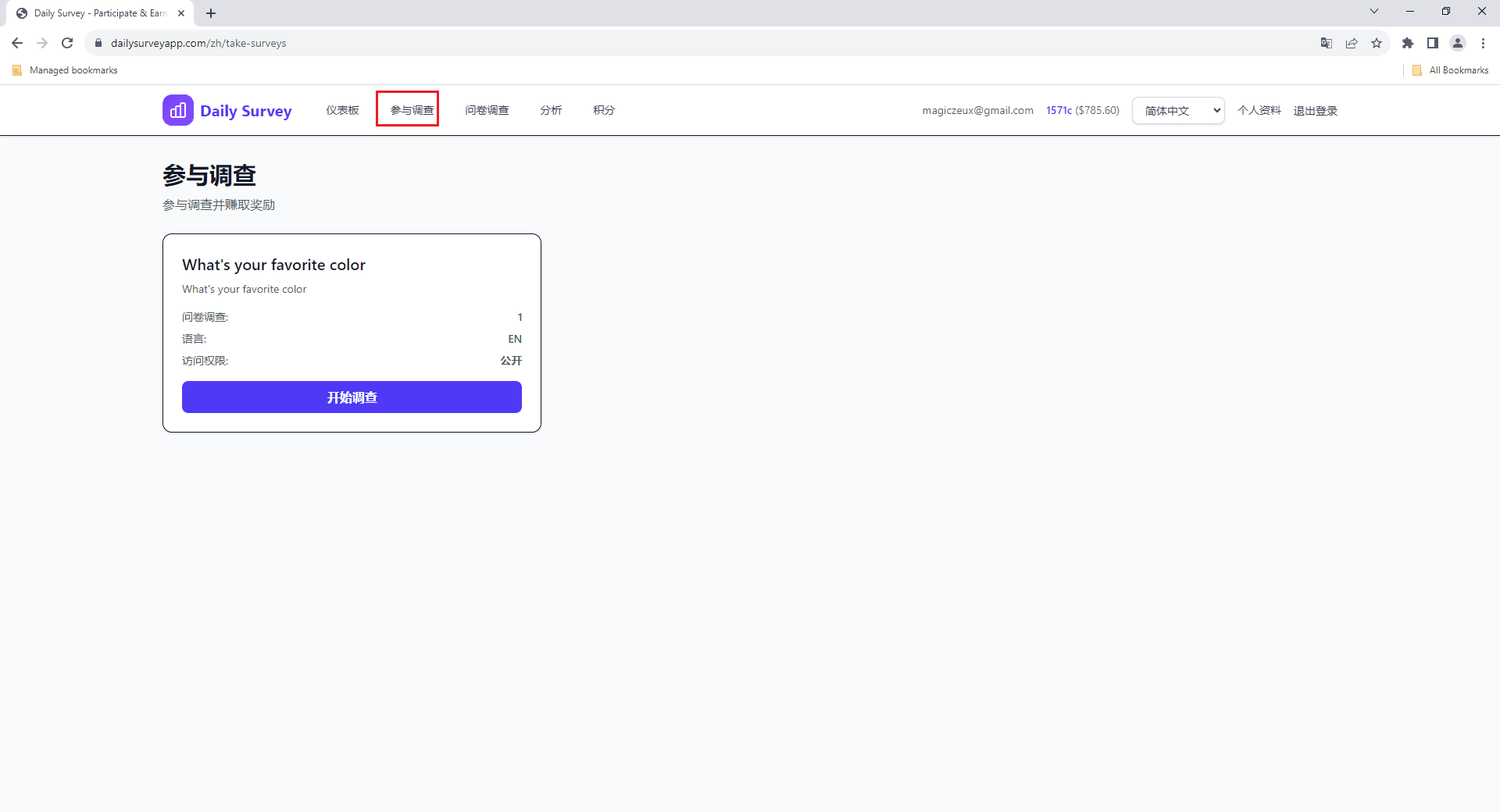
Go to 'Take Surveys' in your dashboard to see all surveys you're eligible for based on your demographic profile.
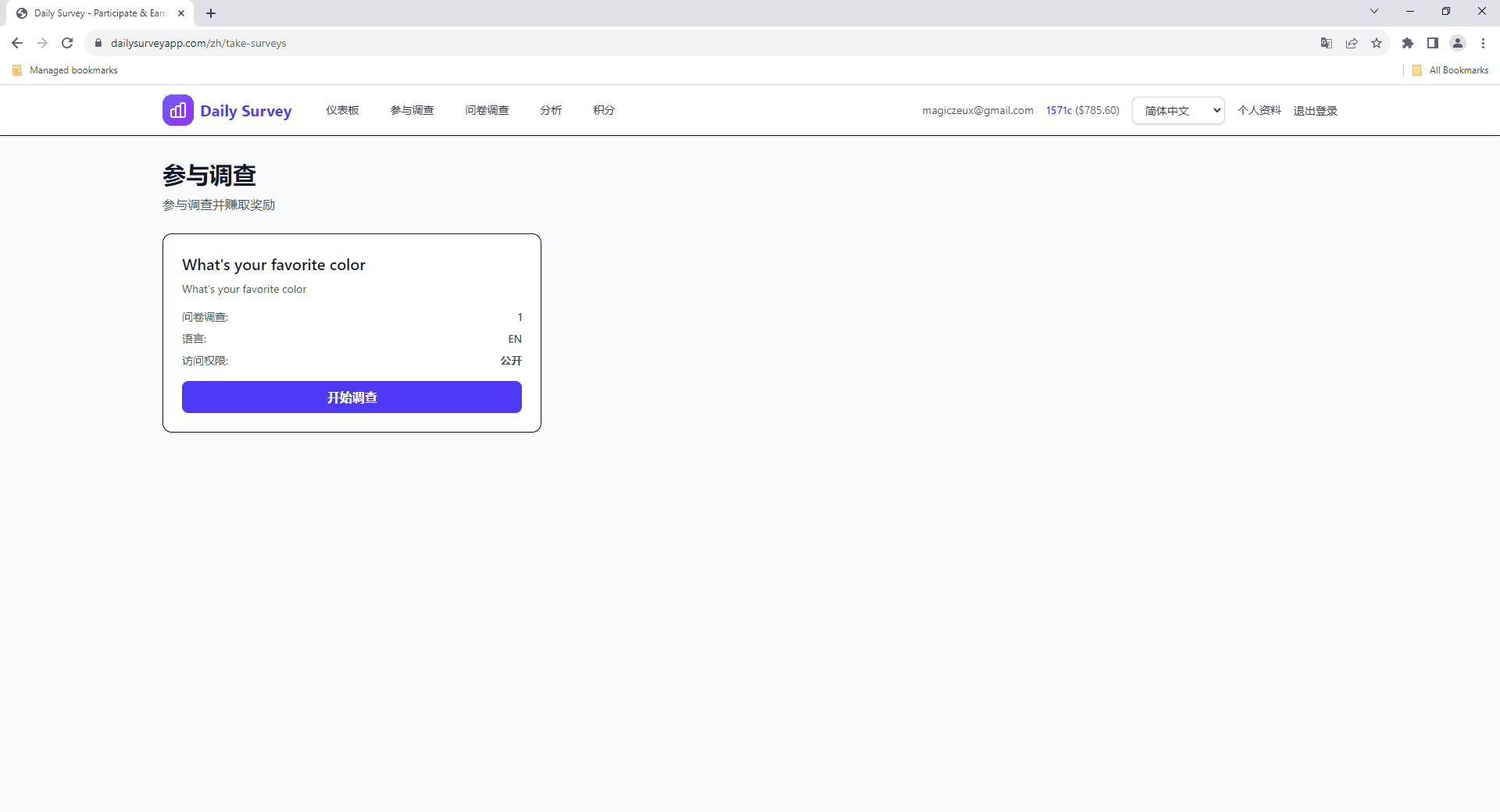
Click 'Take Surveys' in the sidebar navigation. You'll see a list of available surveys matching your demographic profile.

Each survey card shows the title, estimated completion time, reward amount, and number of questions. Pick one that interests you.

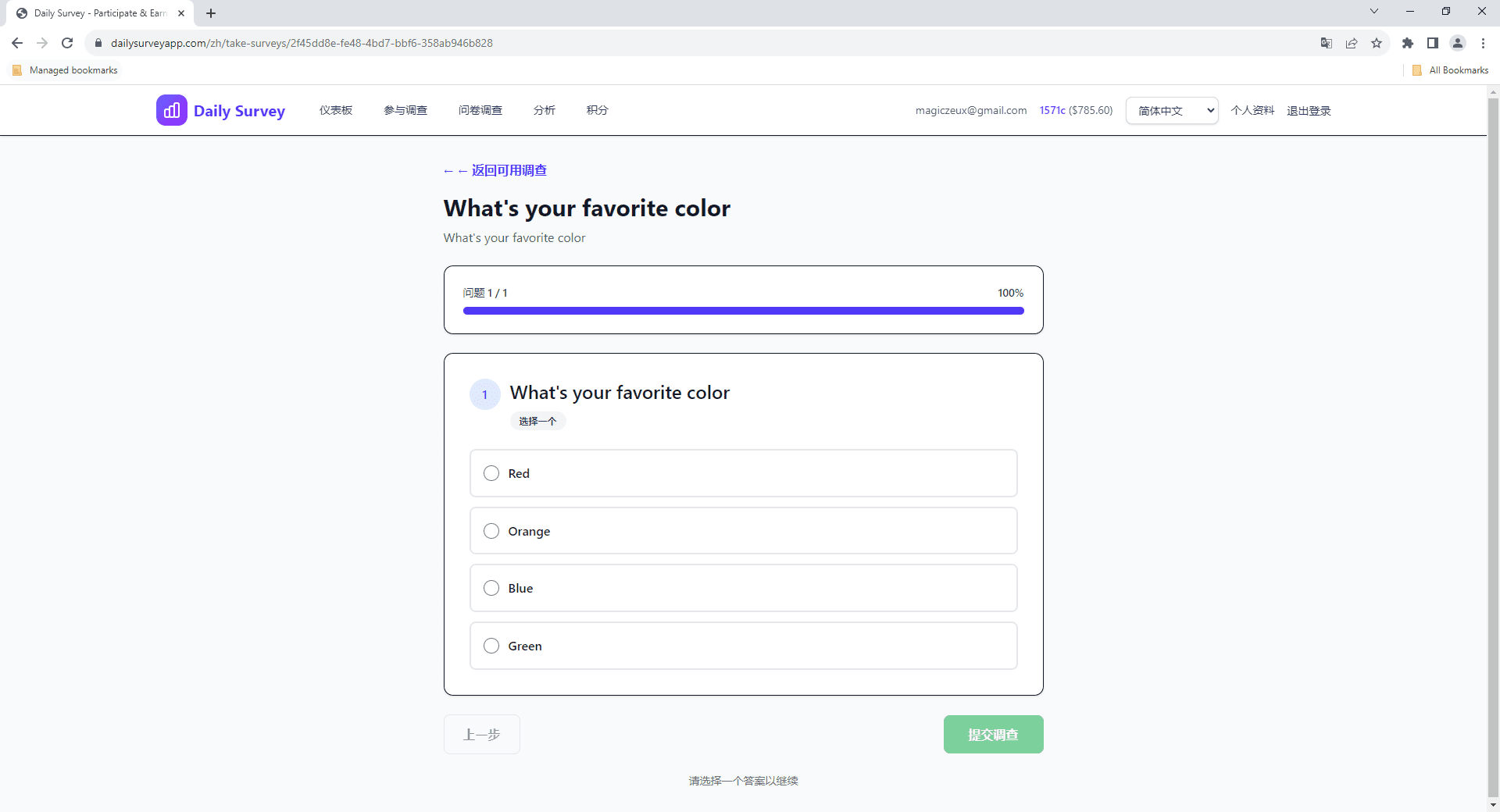
Answer all questions honestly and thoughtfully. Quality responses help survey creators and keep the platform trustworthy.

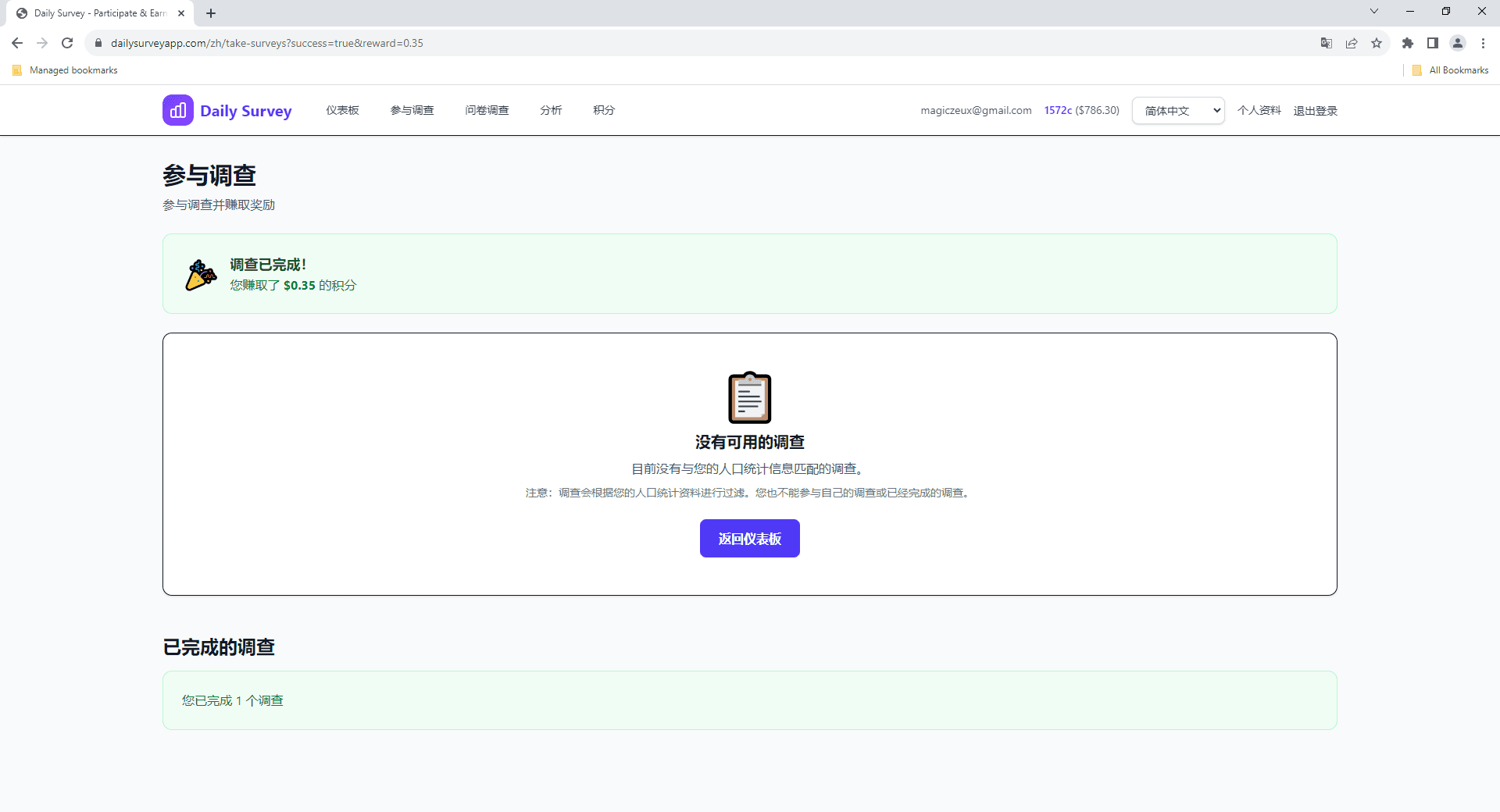
After submitting your responses, credits are added to your account immediately. You can view them on the Credits page.

You'll only see surveys that match your demographic profile. To see more surveys, make sure your profile is complete with accurate information.