กลับไปยังเอกสาร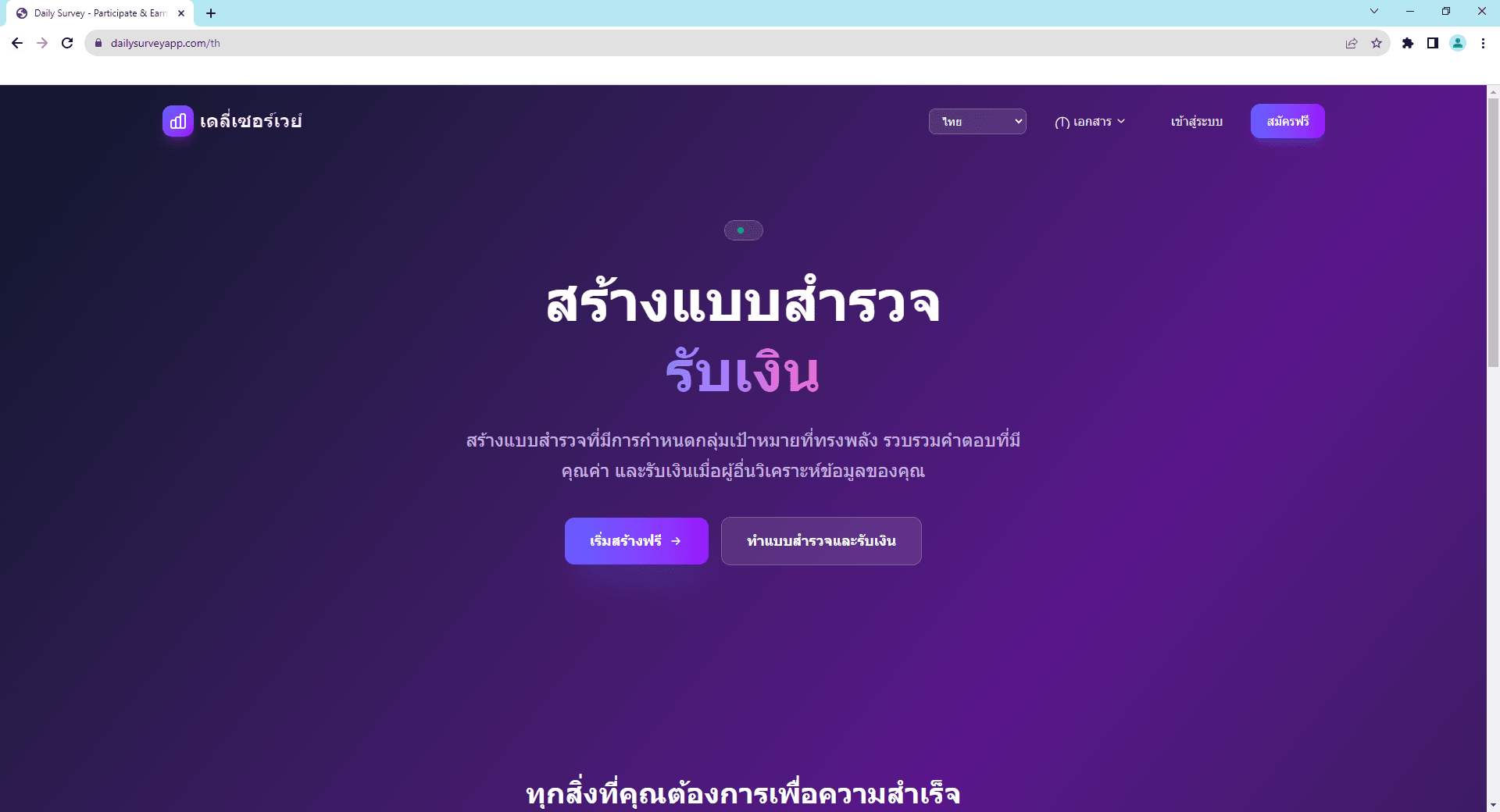
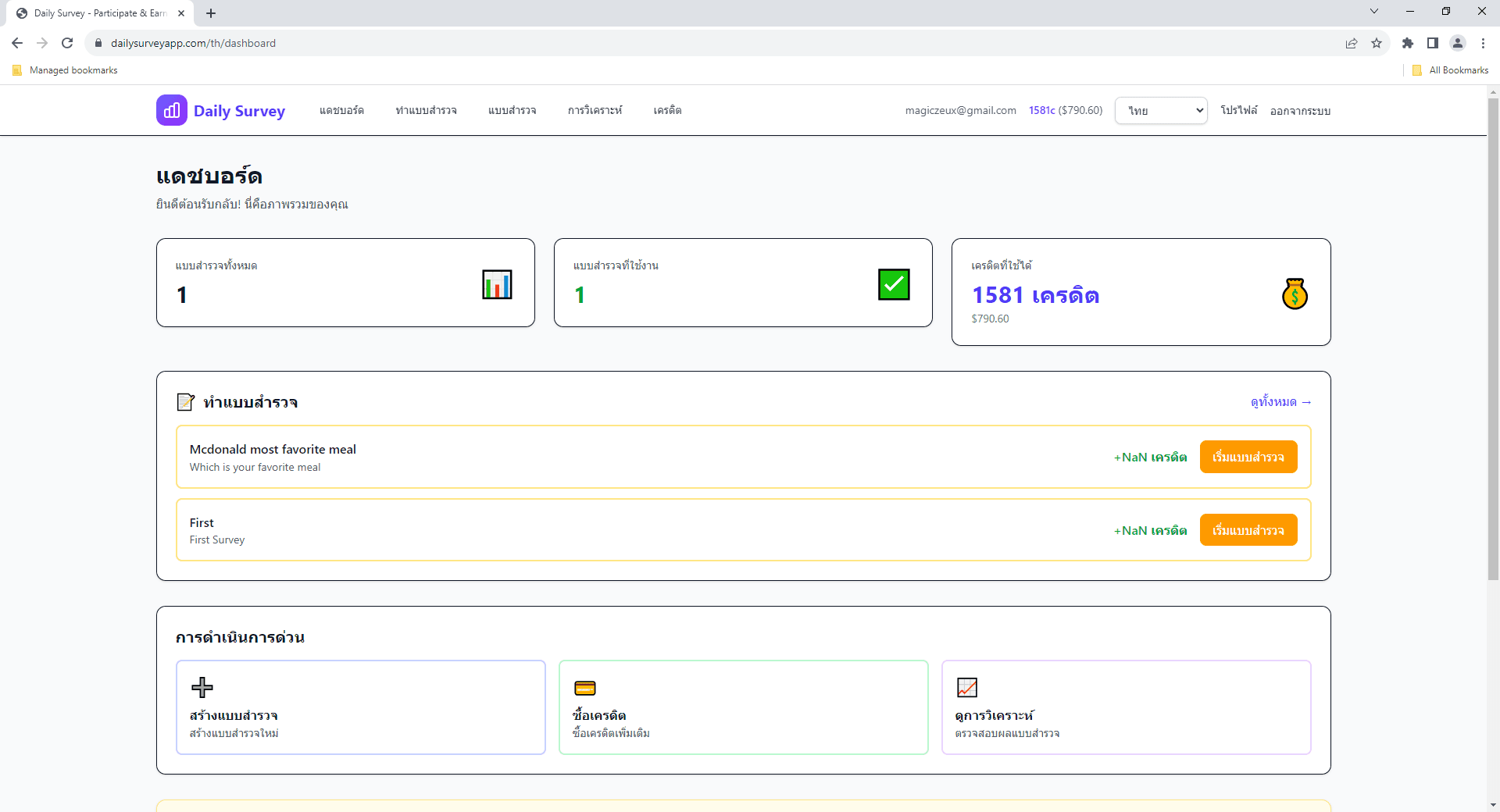
หน้าแรก Daily Survey ที่คุณสามารถสมัครหรือเข้าสู่ระบบ 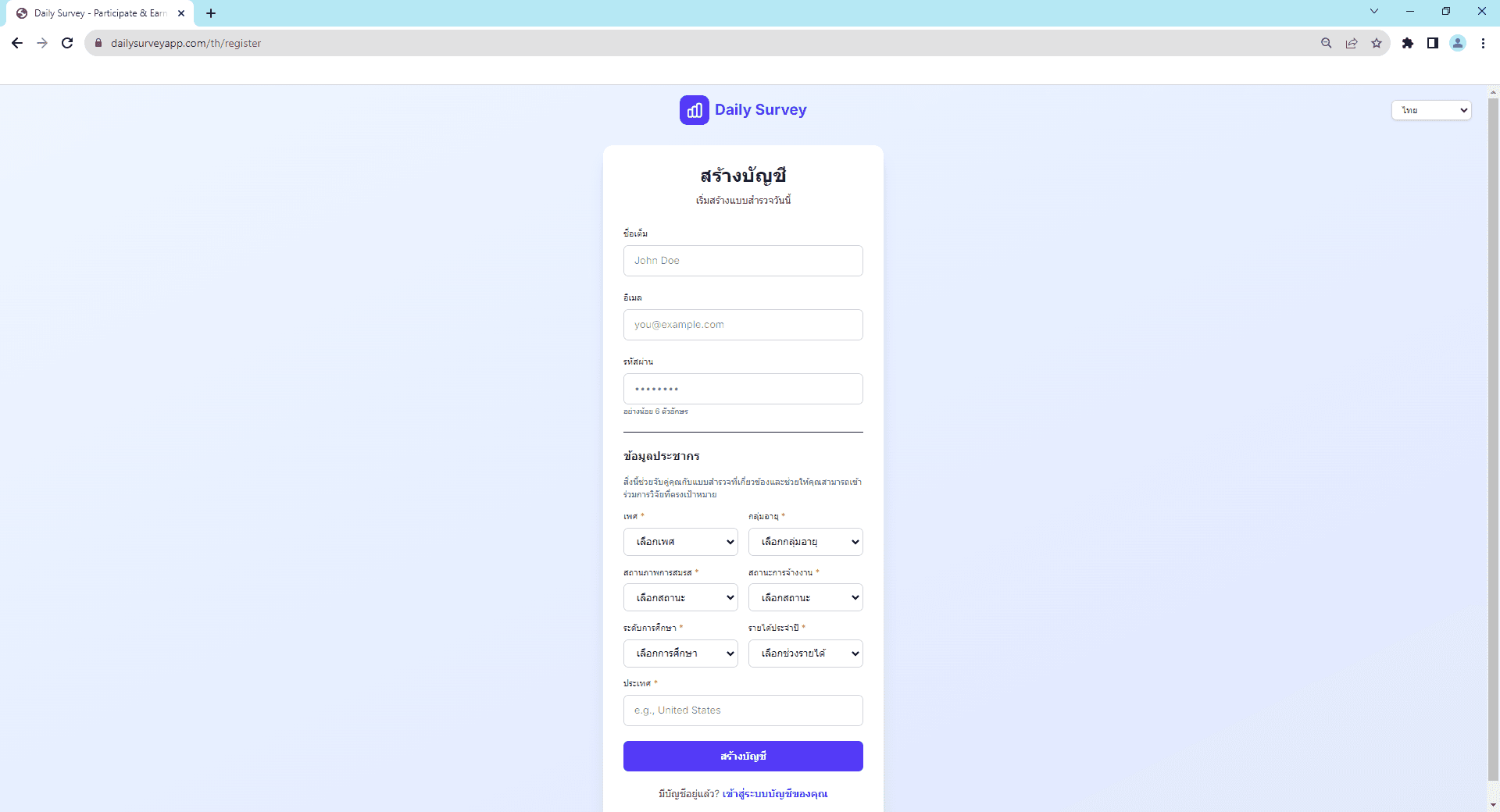
🚀
เริ่มต้นใช้งาน
ความช่วยเหลือทั่วไป
ยินดีต้อนรับสู่ Daily Survey
Daily Survey เป็นแพลตฟอร์มที่เชื่อมต่อผู้สร้างแบบสำรวจกับผู้เข้าร่วม ไม่ว่าคุณต้องการสร้างแบบสำรวจเพื่อการวิจัยหรือหารายได้จากการทำแบบสำรวจ คู่มือนี้จะช่วยให้คุณเริ่มต้นได้ในไม่กี่นาที
คู่มือทีละขั้นตอน
1
สร้างบัญชีของคุณ
คลิก 'สมัครฟรี' ที่หน้าแรก กรอกอีเมลและสร้างรหัสผ่านที่ปลอดภัย คุณจะได้รับอีเมลยืนยันเพื่อยืนยันบัญชี
2
กรอกโปรไฟล์ของคุณ
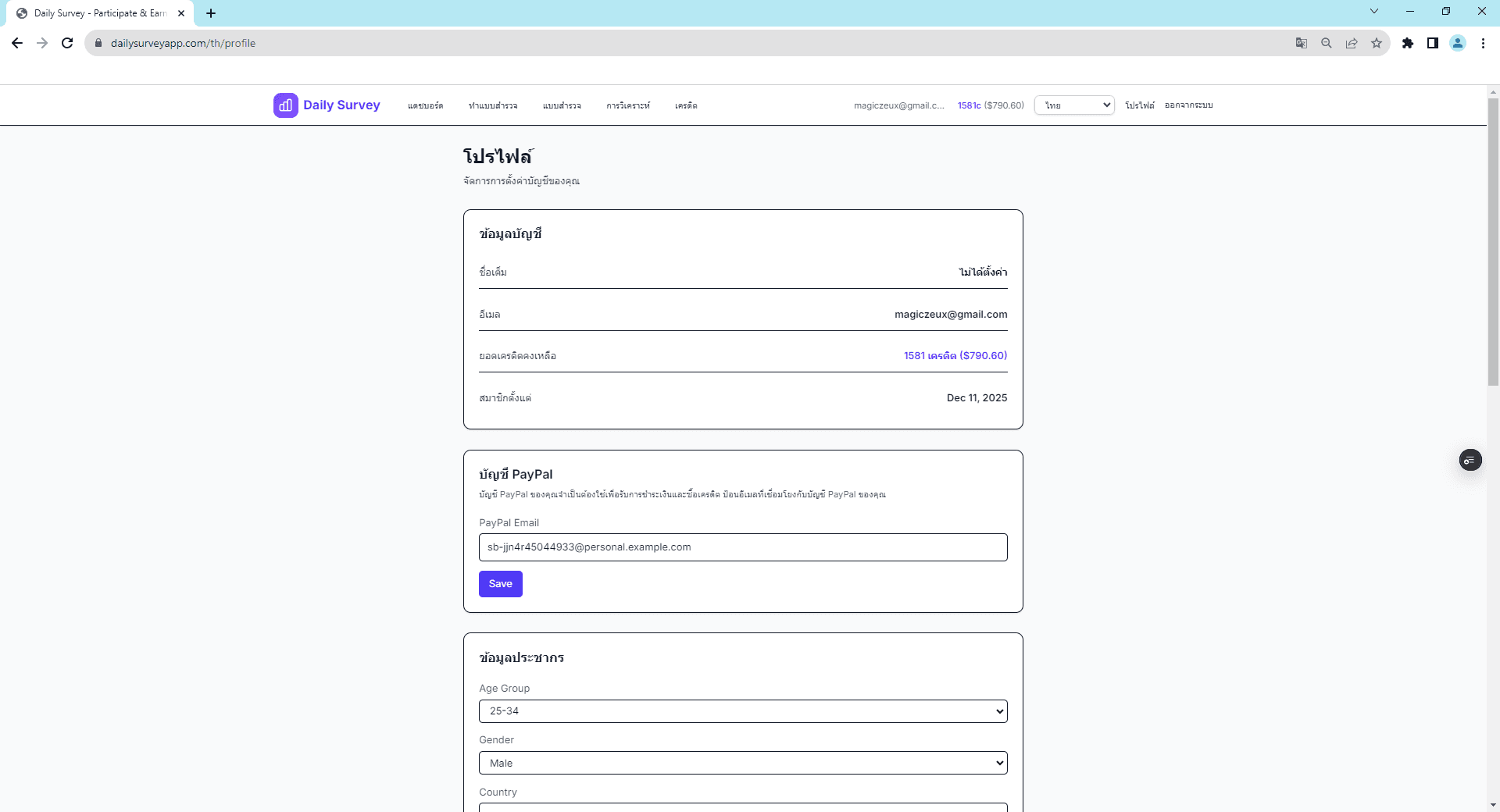
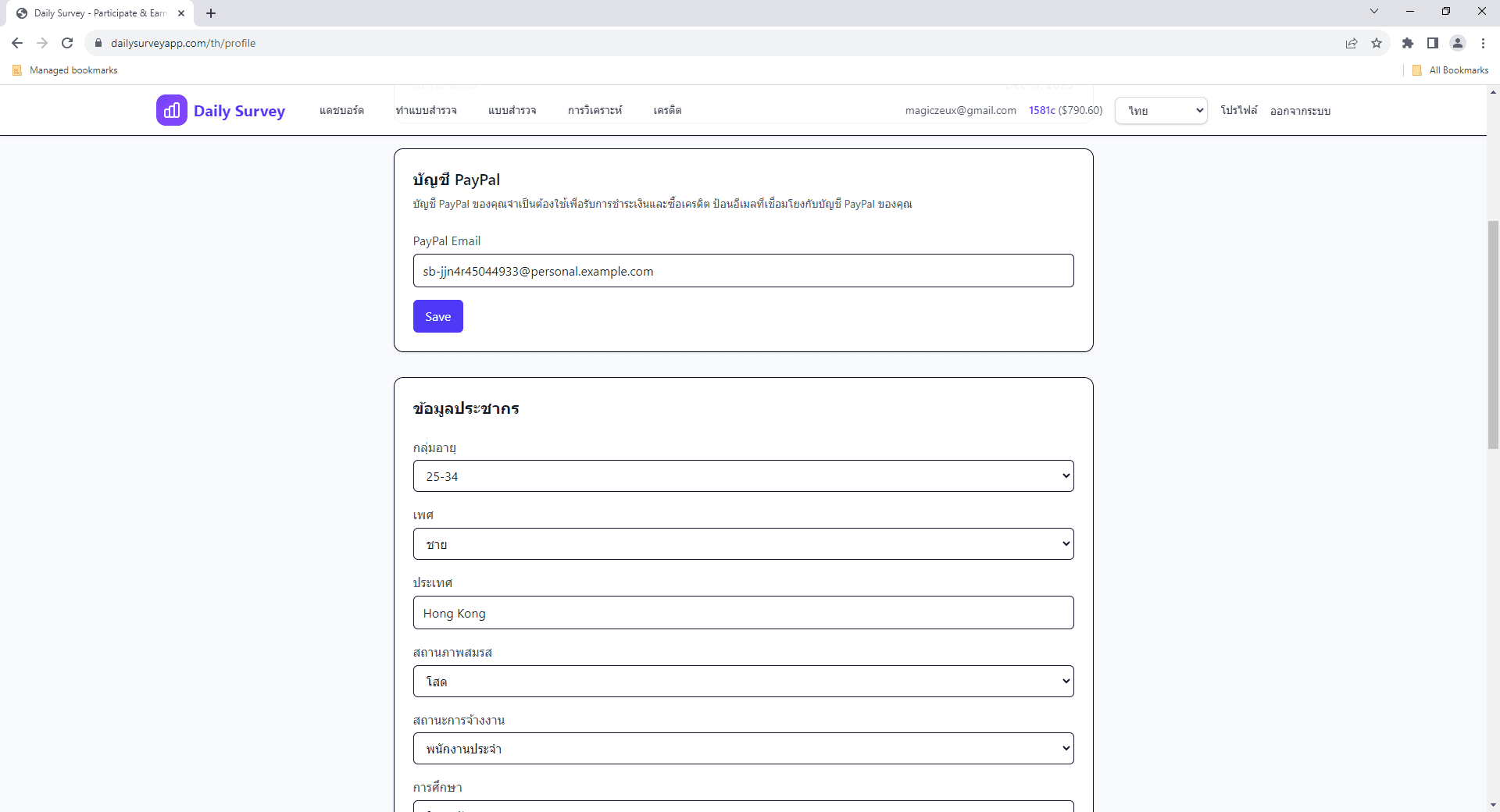
หลังจากลงทะเบียน ไปที่หน้าโปรไฟล์และกรอกข้อมูลประชากร ข้อมูลนี้ช่วยจับคู่กับแบบสำรวจที่เกี่ยวข้องและจำเป็นสำหรับการเข้าร่วม
3
เชื่อมต่อบัญชี PayPal
ไปที่ โปรไฟล์ → การตั้งค่า PayPal และกรอกอีเมล PayPal ของคุณ จำเป็นสำหรับทั้งการรับรายได้และการซื้อเครดิต
4
เริ่มใช้งานแพลตฟอร์ม
คุณพร้อมแล้ว! ตอนนี้คุณสามารถสร้างแบบสำรวจหรือดูแบบสำรวจที่มีเพื่อเข้าร่วมและรับเครดิต
สองวิธีในการใช้ Daily Survey
👨💼 ในฐานะผู้สร้างแบบสำรวจ
- • สร้างแบบสำรวจด้วยประเภทคำถามต่างๆ
- • กำหนดเป้าหมายกลุ่มประชากรเฉพาะ
- • จ่ายผู้เข้าร่วมต่อคำตอบ
- • ดูการวิเคราะห์โดยละเอียด
👥 ในฐานะผู้เข้าร่วม
- • ทำแบบสำรวจที่ตรงกับโปรไฟล์
- • รับเครดิตทุกครั้งที่ทำเสร็จ
- • ถอนรายได้ไปยัง PayPal
- • ได้รับเงินภายใน 3-5 วันทำการ
⚠️ ข้อมูลสำคัญ
- • ธุรกรรมทั้งหมดเป็นดอลลาร์สหรัฐ (USD)
- • ต้องมีบัญชี PayPal ที่ถูกต้องสำหรับการชำระเงินทั้งหมด
- • จำนวนเงินถอนขั้นต่ำคือ $1.00
- • อาจมีค่าธรรมเนียม PayPal
หัวข้อที่เกี่ยวข้อง
ยังมีคำถามอยู่ไหม?
ตรวจสอบ FAQ หรือติดต่อฝ่ายสนับสนุนเพื่อขอความช่วยเหลือ