Back to Documentation
๐Ÿ’ณ

Managing Payments (Creator)

For Survey Creators

Managing Payments (Creator)

As a survey creator, you need credits to compensate participants. Learn how to buy credits, set survey costs, and manage your budget.

Buying Credits

Credits are purchased through PayPal. Go to the Credits page in your dashboard to buy credits. 1 credit = $1.00 USD.

1

Go to Credits Page

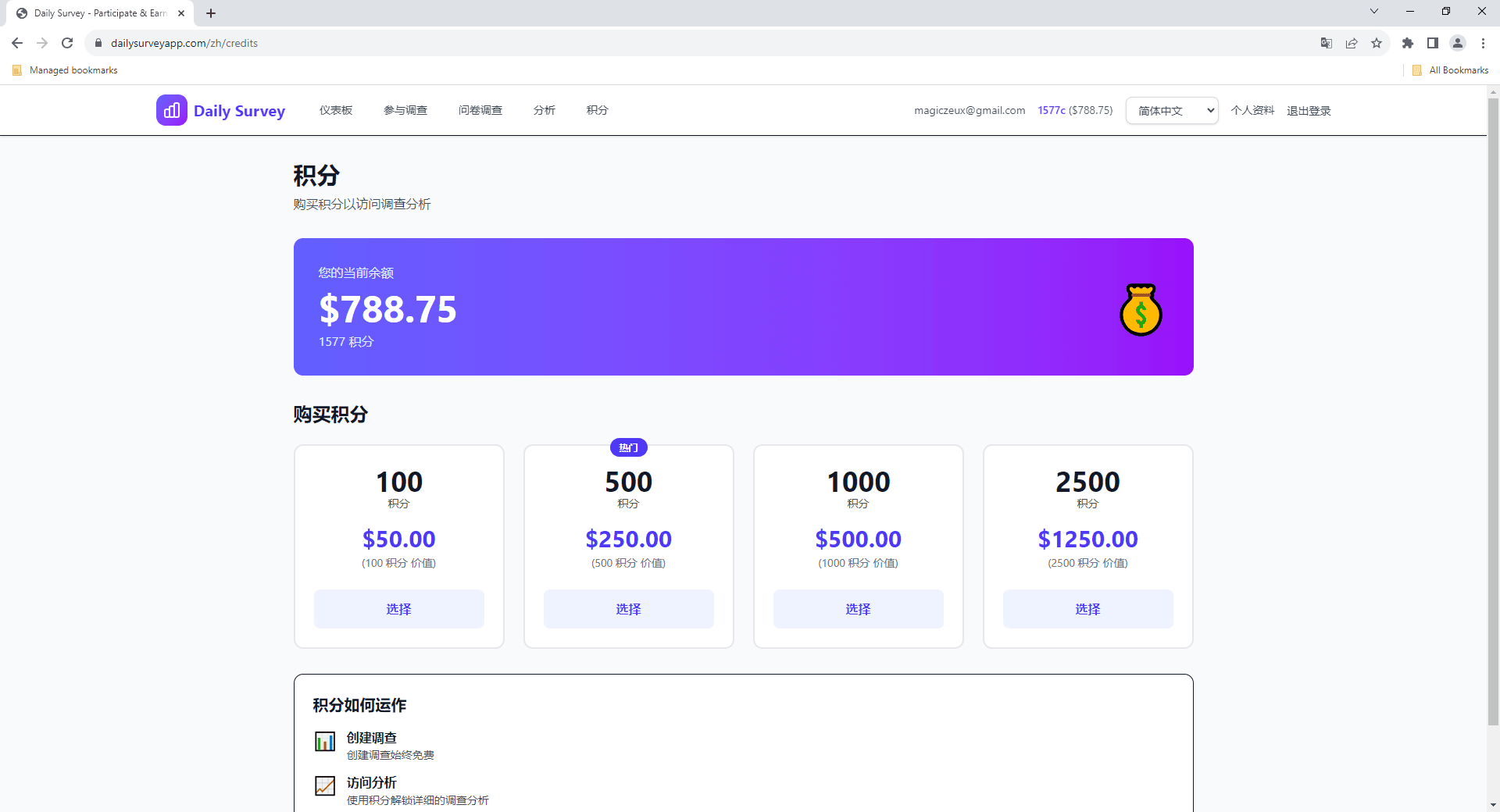
Navigate to the Credits page from the dashboard sidebar. You'll see your current balance and purchase options.

Credits page showing balance and purchase options
2

Enter Amount

Enter how many credits you'd like to purchase. The minimum purchase is $1.00.

Credit purchase form with amount input
3

Pay via PayPal

Complete payment through PayPal's secure checkout. Credits are added to your account immediately after payment.

PayPal checkout for credit purchase

Survey Costs

When creating a survey, you set the reward per response. The total cost depends on your reward amount and how many responses you want.

๐Ÿ“Š Cost Example

If you set $1.00 reward per response and want 100 responses, you'll need 100 credits ($100.00).

๐Ÿ’ก Budget Tips

  • โ€ข Start with a small number of target responses to test your survey
  • โ€ข Higher rewards attract more participants and faster completion
  • โ€ข You can add more credits and increase target responses later
  • โ€ข Monitor your analytics to ensure you're getting quality responses

Still have questions?

Check out our FAQ or contact support for help