설명서로 돌아가기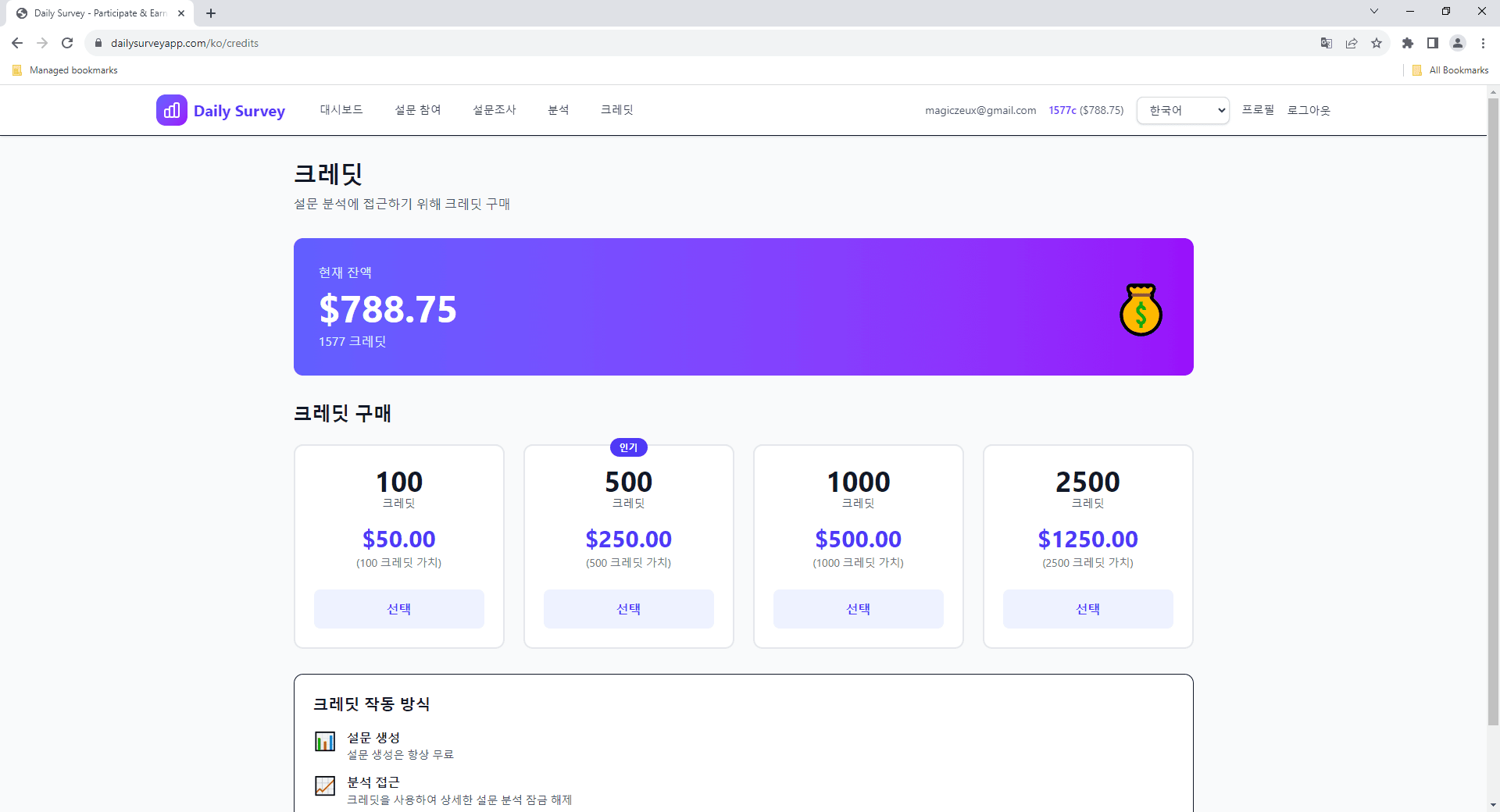
🏦
돈 인출하기
참여자용
자금 인출
크레딧을 PayPal 계정으로 인출하는 방법, 수수료 구조 및 요구 사항에 대해 알아보세요.
📋 인출 요구 사항
- • 최소 인출 금액은 $1.00 USD입니다
- • 프로필에 인증된 PayPal 이메일이 있어야 합니다
- • 충분한 인출 가능 크레딧이 있어야 합니다
인출 방법
1
크레딧 페이지로 이동
대시보드 내비게이션에서 '크레딧'을 클릭하여 잔액과 인출 옵션을 확인하세요.
2
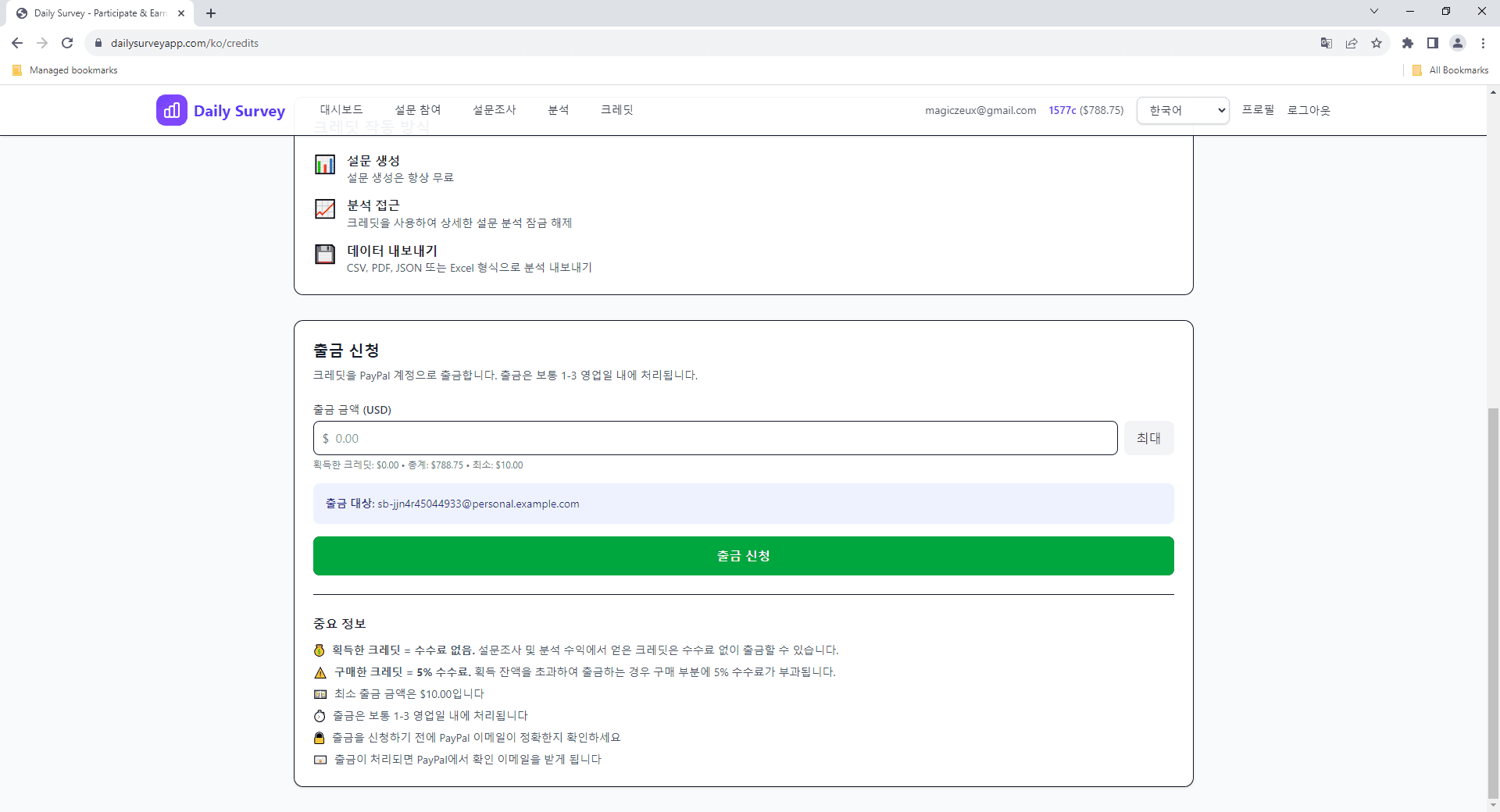
인출 금액 입력
인출 양식에 원하는 금액을 입력하세요. 획득 크레딧과 구매 크레딧의 내역이 표시됩니다.
3
수수료 확인
수수료 내역을 확인하세요. 획득 크레딧은 무료로 인출됩니다. 구매 크레딧에는 5%의 수수료가 부과됩니다.
4
확인 및 수령
인출을 확인하세요. 결제는 등록된 PayPal 이메일로 전송됩니다. 처리 시간은 몇 분에서 24시간까지 소요될 수 있습니다.
수수료 구조
✅ 획득 크레딧
설문 참여 및 분석 수익으로 획득한 크레딧은 수수료 없이 무료로 인출할 수 있습니다.
💳 구매 크레딧
PayPal로 구매한 크레딧은 거래 처리 비용을 충당하기 위해 인출 시 5%의 수수료가 부과됩니다.
⚠️ 중요 사항
- • 인출은 미국 달러(USD)로 처리됩니다
- • PayPal이 환율 변환에 추가 수수료를 부과할 수 있습니다
- • 결제 실패를 방지하려면 PayPal 이메일이 정확한지 확인하세요
- • 처리 시간은 보통 몇 분에서 24시간입니다