Back to Documentation
๐ŸŽฏ

Targeting by Demographics

For Survey Creators

Targeting by Demographics

Reach the right audience by setting demographic filters on your surveys. This ensures you get responses from people who match your research criteria.

How It Works

When creating a survey, you can set demographic requirements. Only participants whose profile matches your criteria will see and be able to take your survey.

Available Filters

๐Ÿ‘ค Age Range

Target specific age groups (e.g., 18-25, 26-35, 36-50, 51+). Useful for generational research or age-specific products.

โšง๏ธ Gender

Filter by gender identity. Important for health research, product testing, and gender-specific studies.

๐ŸŒ Location

Target participants from specific countries or regions. Essential for market research in specific geographic areas.

๐Ÿ’ต Income Level

Filter by income brackets to reach your target economic demographic for pricing or market research.

Setting Up Demographics

1

Create Your Survey

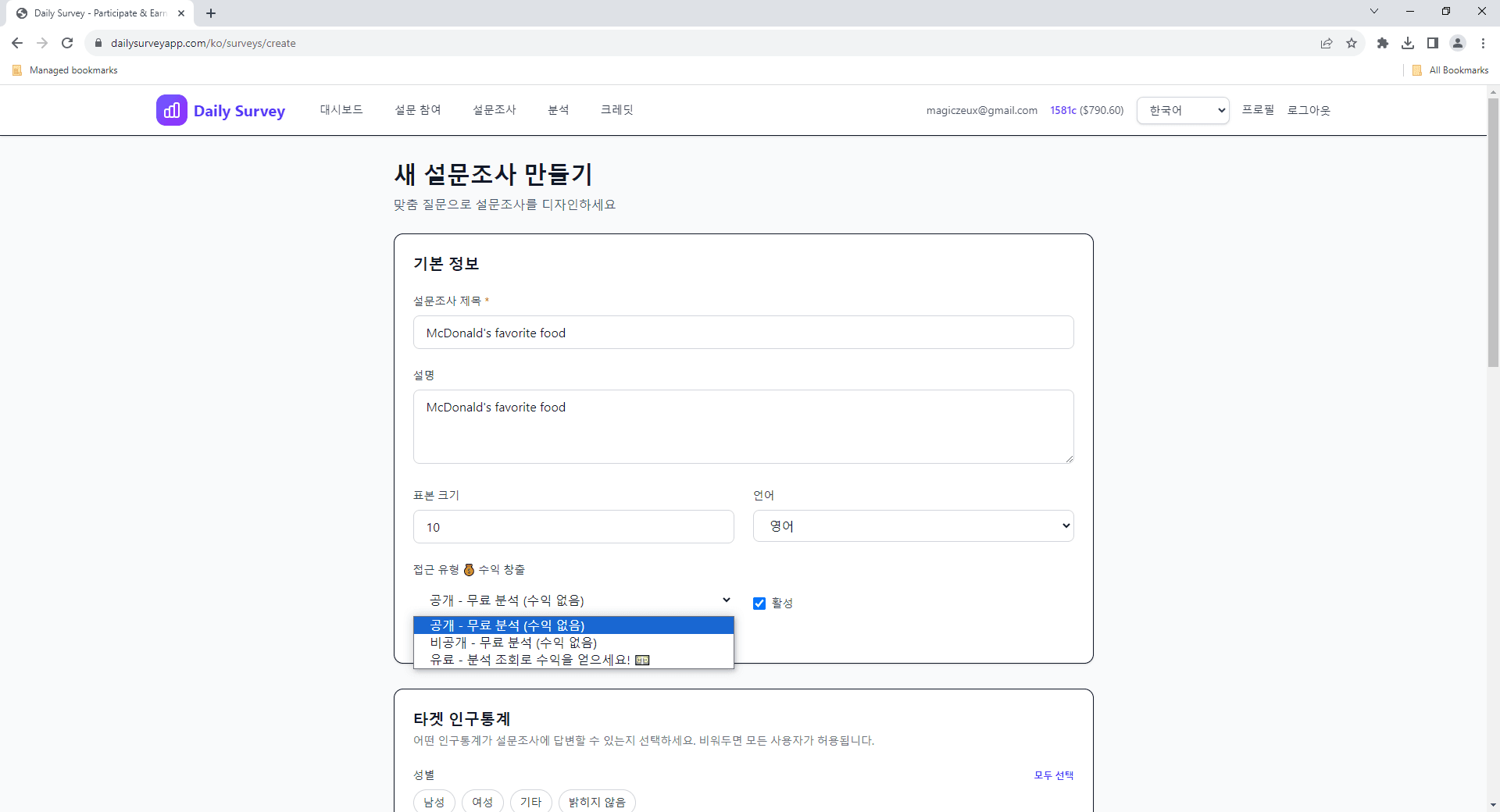
Start creating a survey and fill in the basic details โ€” title, description, and questions.

Creating a new survey with basic details
2

Configure Demographics

In the survey creation flow, go to the Demographics section. Select the filters you want to apply.

Demographics filter selection screen
3

Set Your Criteria

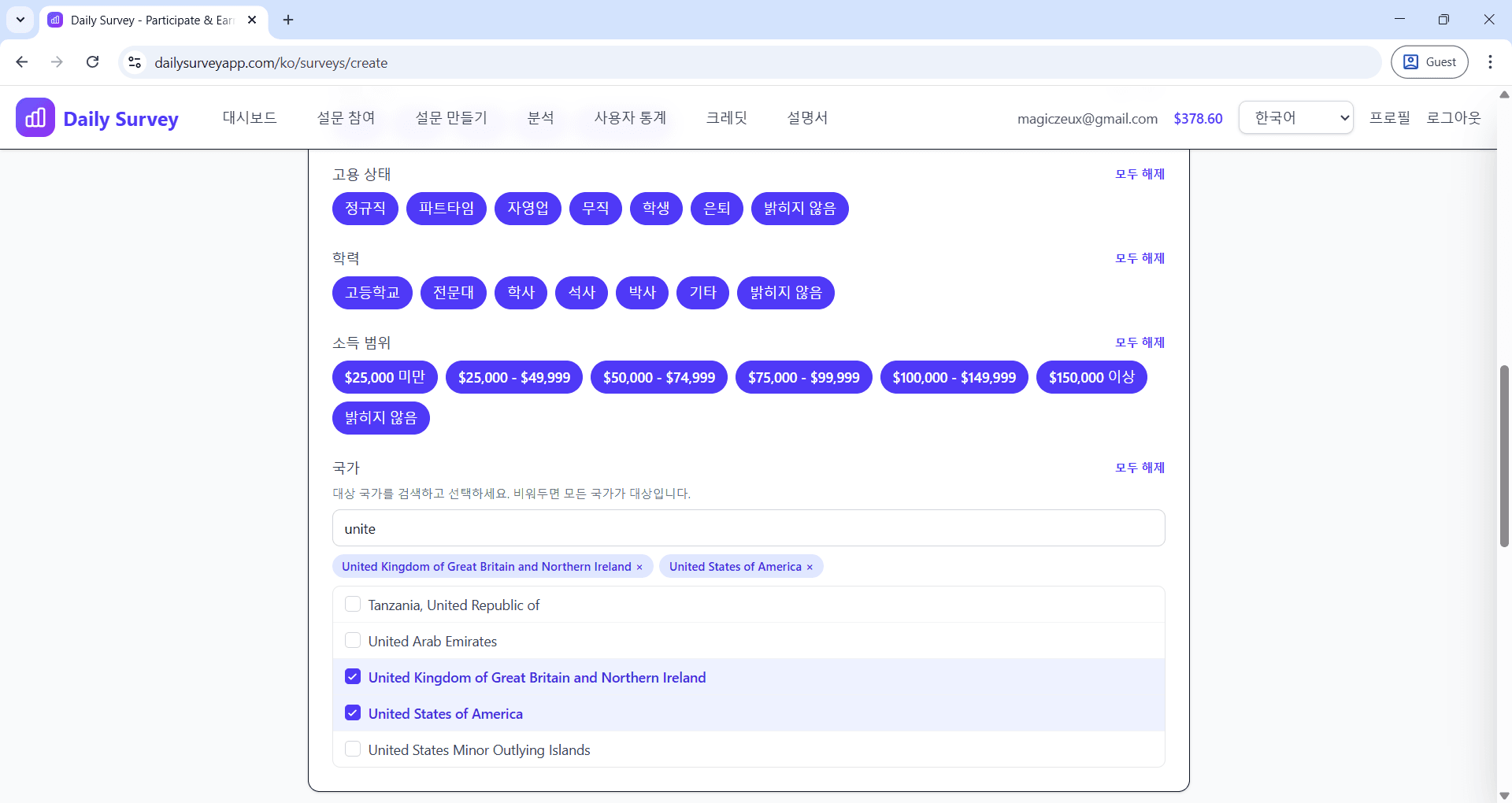
Choose specific values for each filter. For example, select ages 25-40 and location 'United States'.

Setting specific demographic criteria

๐Ÿ“‹ Best Practices

  • โ€ข Don't over-filter โ€” too many restrictions will reduce your pool of eligible participants
  • โ€ข Consider whether demographics are truly necessary for your research question
  • โ€ข Broader targeting gets faster responses at a lower cost per completion
  • โ€ข Use demographic data in your analytics to compare subgroup responses

Still have questions?

Check out our FAQ or contact support for help